Disclosure: As an Amazon Associate we earn from qualifying purchases. This post contains affiliate links — if you buy through one, we may earn a small commission at no extra cost to you. Our product picks focus on items we can link to, so we may not cover every option on the market. See our About page for how we choose them.
RTÉ Player usually stops working on a smart TV because of an outdated app, a shaky internet connection, or a temporary server issue on RTÉ’s end. Working through a few basic checks in order will solve the problem in most cases.
Start With the Basics
Before digging into settings, rule out the simple stuff. Restart the TV fully by switching it off at the wall for about 30 seconds rather than just using standby. This clears temporary glitches in the TV’s memory and is often enough on its own.
Check that your broadband is actually working by loading a website on your phone over the same Wi-Fi network. If other apps or sites are also struggling, the issue is likely your connection rather than RTÉ Player itself.
Update the App
Smart TV apps, including RTÉ Player, get periodic updates to fix bugs and keep up with changes on RTÉ’s backend. An outdated version is one of the most common reasons playback fails or the app crashes on open.
Go into your TV’s app store (this might be called the LG Content Store, Samsung Smart Hub, Google Play Store, or similar depending on your TV brand) and check for pending updates. If you’re not sure how to find this menu, your TV’s manual or manufacturer’s support site will have exact steps for your model.
If an update is available, install it and restart the TV afterwards. If RTÉ Player isn’t appearing in your app store’s search at all, double-check that your TV’s regional/country setting is correct, since some apps are only listed in certain app store regions.
Check Your Network Connection
Streaming problems are very often down to Wi-Fi signal strength rather than the app. If your TV is far from the router, or there are walls and floors in between, you may be getting a weak or unstable signal that causes buffering, pixelation, or the app timing out.
A few options worth considering:
- Move the router closer to the TV, if practical.
- Use a Wi-Fi Range Extender to boost signal in a room that’s struggling.
- Switch to a Mesh Wi-Fi System if multiple rooms in the house have patchy coverage.
- Run a Long Ethernet Cable directly from the router to the TV for the most stable connection, especially if you’re in an older house with thick walls.
For streaming sticks or boxes without a built-in Ethernet port, an Amazon Ethernet Adapter for Fire TV lets you connect by cable instead of relying on Wi-Fi, which can noticeably reduce buffering.
If running a cable isn’t practical, a Powerline Adapter Kit uses your home’s electrical wiring to carry a network signal between rooms, which is a reasonable middle ground between Wi-Fi and a full Ethernet run.
Sign-In and Account Issues
RTÉ Player requires a free RTÉ account to use. If you’re being asked to sign in repeatedly, or getting an error after entering your details, try logging out completely and signing back in. A typo in the email address or password is more common than it sounds, so consider resetting your password if you’re unsure.
If you’ve recently moved, changed your email address, or set up a new RTÉ account, make sure you’re signed into the correct one on the TV, as mismatched accounts can cause content to appear missing or restricted.
“Content Not Available” Messages
Occasionally you might see a message saying a programme isn’t available. This is sometimes due to rights restrictions that are entirely normal and temporary (certain sports fixtures or imported shows can have limited windows), and other times it’s simply that the programme has been removed from the Player after its catch-up period ended. If you believe this is showing in error, RTÉ Player’s own help/support section is the right place to report it, rather than trying to work around it.
Check the Remote and Screen Too
It sounds basic, but a remote with weak batteries can cause missed button presses that look like the app is freezing or not responding. Swapping in a fresh set, or using Rechargeable Remote Batteries, is a quick thing to rule out. Likewise, a dusty or smudged screen can make picture issues seem worse than they are, so a proper TV Screen Cleaning Kit is worth having for general maintenance.
When All Else Fails
If none of the above helps, try deleting the RTÉ Player app entirely and reinstalling it from your TV’s app store. This clears any corrupted data that a simple restart won’t fix. If the problem persists after that, it’s worth checking RTÉ’s official support or social media channels for any known outages, since server-side issues do occasionally affect the service for everyone at once.
Recommended for This Guide
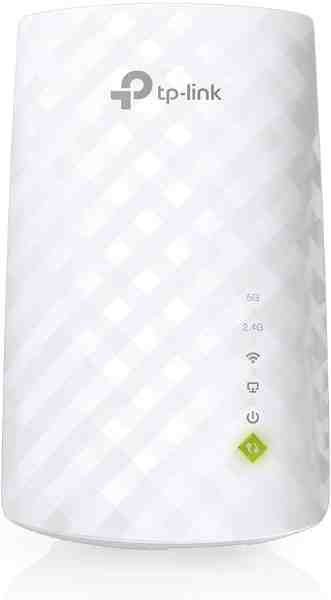
Wi-Fi Range Extender
The most common fix for streaming boxes that are too far from the router — extends your signal without a full mesh system.
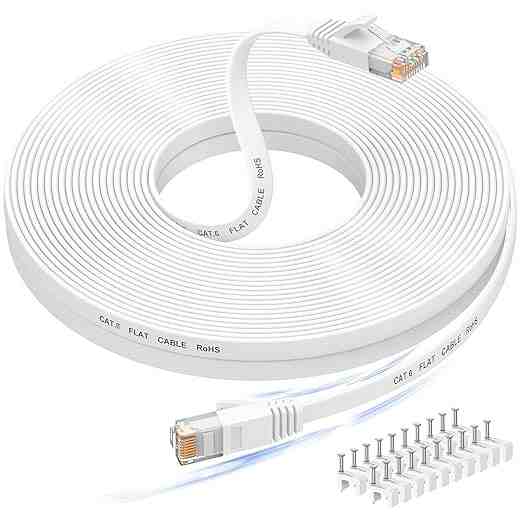
Long Ethernet Cable
A wired connection eliminates Wi-Fi buffering entirely if you can run a cable to your streaming device.
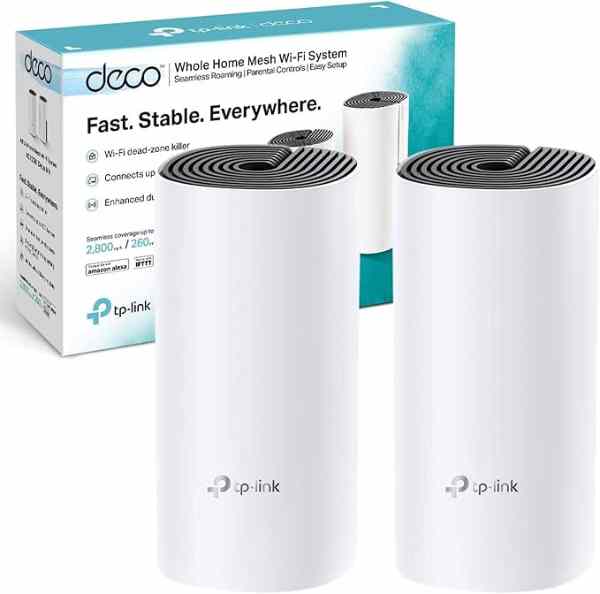
Mesh Wi-Fi System (2-pack)
For persistent buffering across multiple rooms, a mesh system solves it more thoroughly than a single extender.
As an Amazon Associate we earn from qualifying purchases. We may earn a small commission at no extra cost to you. Learn more.