Disclosure: As an Amazon Associate we earn from qualifying purchases. This post contains affiliate links — if you buy through one, we may earn a small commission at no extra cost to you. Our product picks focus on items we can link to, so we may not cover every option on the market. See our About page for how we choose them.
Disney+ has become a staple in Irish households, but even the most reliable streaming services run into hiccups from time to time. Whether it’s a mysterious error code, a login that won’t cooperate, or a picture that keeps freezing at the worst moment, most of these issues have straightforward fixes. Here’s a rundown of the most common problems Irish users report and how to sort them.
Common Disney+ Error Codes
Disney+ uses a range of error codes, and while the exact wording can change as the app updates, most fall into a few categories: connectivity errors, playback errors, and account/authentication errors.
If you see a connectivity-related error, the first thing to check is your broadband connection itself. Try loading another streaming app or a website on the same device to confirm the issue isn’t isolated to Disney+. If other apps are struggling too, the problem is likely your home network rather than Disney+’s servers.
Playback errors (where the app loads fine but a specific show or film won’t play) can sometimes be resolved by restarting the app, restarting your device, or simply trying again a few minutes later, as it may be a temporary server-side issue on Disney’s end. If it persists across multiple titles, it’s worth checking Disney+’s own help centre for any listed outages before assuming your setup is at fault.
Login and Account Issues
Login problems are usually one of three things: an incorrect password, an issue with the email associated with your account, or a payment method that needs updating. If you’re locked out, use the official “forgot password” link within the app or on the Disney+ website rather than trying repeated guesses, as too many failed attempts can temporarily lock the account.
It’s also worth double-checking which region your account is registered to. Your Disney+ account region is set based on the payment details and address used when you signed up, and this determines the version of the catalogue and pricing you see. If something looks off, the safest step is to contact Disney+ support directly through their official help pages, as they can confirm and correct account details on their end.
Another frequent cause of login trouble is simply having an outdated app. Check your device’s app store for pending updates, and make sure you’re downloading Disney+ from the correct regional store associated with your device account.
Buffering and Playback Quality Problems
Buffering is almost always a network issue rather than a Disney+ problem. A few things worth checking:
- Wi-Fi signal strength: If your streaming device is far from the router, or there are walls and floors in between, signal can weaken considerably. A Wi-Fi Range Extender can help push a stronger signal into rooms where streaming quality tends to drop.
- Wired connections: For the most stable connection, especially with 4K content, running a Long Ethernet Cable directly from your router to your streaming device removes Wi-Fi interference from the equation entirely.
- Whole-home coverage: If buffering happens in multiple rooms or on multiple devices, your home might benefit from a Mesh Wi-Fi System, which spreads consistent coverage across a larger area rather than relying on a single router.
It’s also worth checking how many devices are streaming simultaneously on your account and network, as this can affect quality depending on your broadband plan’s speed.
Device-Specific Fixes
If you’re streaming through a Fire TV Stick, Fire TV Cube, Roku, or Chromecast, a good first step for any persistent issue is to fully restart the device rather than just closing the app. On Fire TV and Roku devices, this can usually be done through the settings menu; for Chromecast, unplugging it from power for 30 seconds often does the trick.
Remote responsiveness issues can sometimes masquerade as app problems, when in fact it’s simply weak batteries causing missed button presses. Switching to a set of rechargeable remote batteries is a handy long-term fix and saves you from constantly buying disposables.
It’s also worth clearing the Disney+ app’s cache (available in most device settings menus under “apps”) or, failing that, uninstalling and reinstalling the app entirely. This resolves a surprising number of persistent glitches.
When to Contact Disney+ Directly
If you’ve worked through network checks, app updates, and device restarts and still hit the same error, the most reliable next step is Disney+’s own official support channels. They can check server status, account-specific issues, and regional settings that aren’t visible or adjustable from your end.
Recommended for This Guide
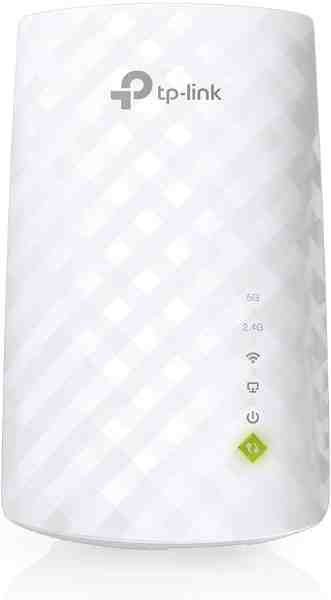
Wi-Fi Range Extender
The most common fix for streaming boxes that are too far from the router — extends your signal without a full mesh system.
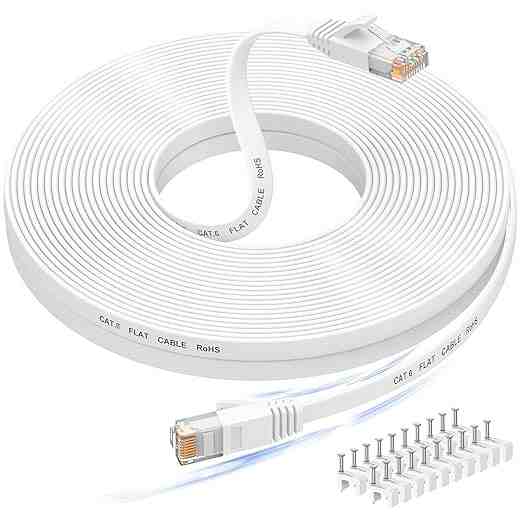
Long Ethernet Cable
A wired connection eliminates Wi-Fi buffering entirely if you can run a cable to your streaming device.
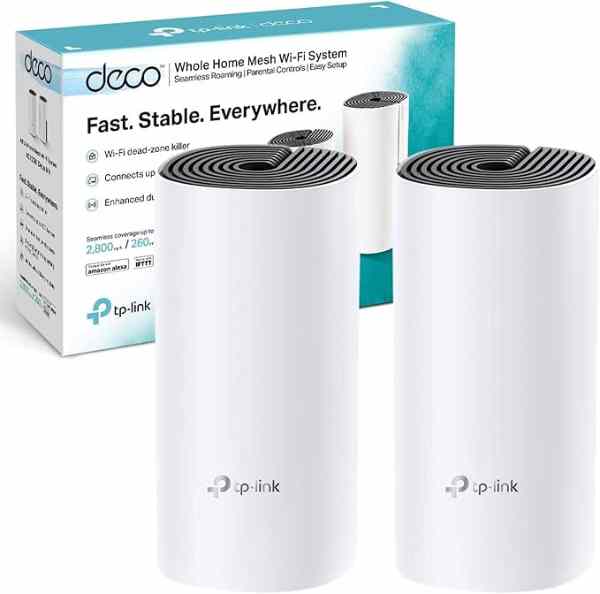
Mesh Wi-Fi System (2-pack)
For persistent buffering across multiple rooms, a mesh system solves it more thoroughly than a single extender.
As an Amazon Associate we earn from qualifying purchases. We may earn a small commission at no extra cost to you. Learn more.