Disclosure: As an Amazon Associate we earn from qualifying purchases. This post contains affiliate links — if you buy through one, we may earn a small commission at no extra cost to you. Our product picks focus on items we can link to, so we may not cover every option on the market. See our About page for how we choose them.
Why Your Sky Stream Remote Might Be Acting Up
If your Sky Stream remote has stopped responding, won’t pair, or works inconsistently, you’re not alone. This is one of the most common issues reported by Sky Stream users across Ireland, and thankfully, most causes are simple to diagnose and fix at home without needing an engineer visit.
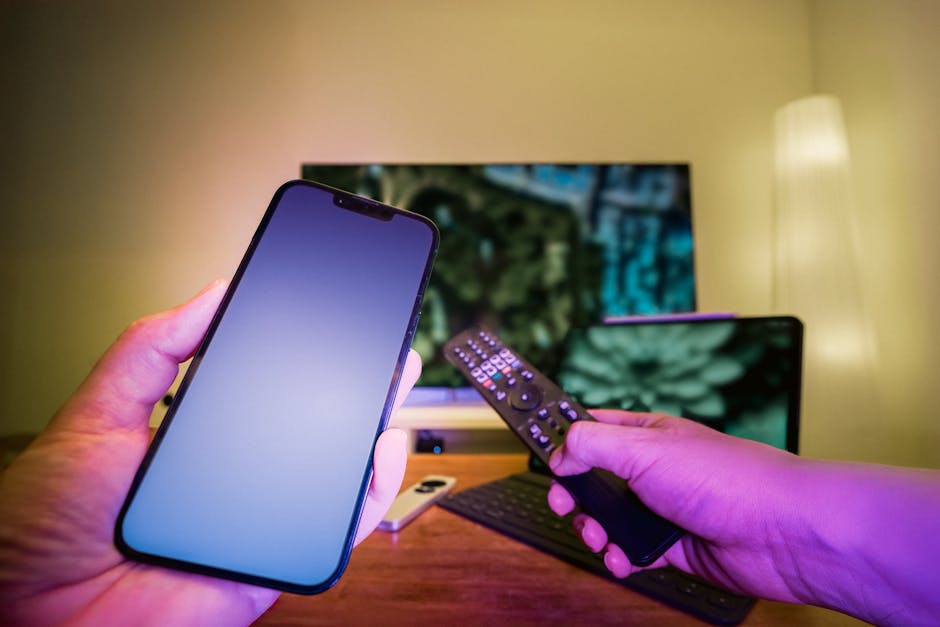
The Sky Stream remote uses Bluetooth to connect to your Sky Stream puck, rather than the old infrared line-of-sight system. This makes it more flexible, but it also means it can be affected by battery issues, interference from other wireless devices, or a lost pairing connection.
Start With the Basics
Before trying anything more advanced, work through these quick checks:
- Check the batteries. A weak or dying battery is by far the most common cause of remote issues. Try fresh batteries even if the current ones seem “fine.”
- Check the distance. Make sure you’re within a reasonable range of the Sky Stream puck, generally a few metres, with no major obstructions.
- Restart the puck. Unplug your Sky Stream puck from the power socket, wait about 30 seconds, then plug it back in and let it fully restart before testing the remote again.
If none of these resolve the issue, it’s time to try re-pairing.
How to Re-Pair Your Sky Stream Remote
- Make sure your Sky Stream puck is powered on and has fully finished starting up.
- Press and hold the pairing button on the remote (commonly located near the top or side, though exact placement can vary — check your remote’s manual or the on-screen guide if unsure).
- Hold the button until you see an on-screen prompt or an indicator light change, confirming the remote is searching for a connection.
- Wait for confirmation that pairing was successful before testing the buttons.
If your remote won’t enter pairing mode at all, this often points to a battery or hardware fault rather than a software issue.
Interference Can Be a Bigger Problem Than You Think
Because the Sky Stream remote relies on Bluetooth, it shares the same general frequency space as many other household devices, including Wi-Fi routers, wireless speakers, and even some baby monitors. In homes with a lot of connected devices, this can occasionally cause pairing drops or delayed responses.
If you’ve recently added new smart home devices, or if your remote issues started around the same time as a broadband upgrade, interference is worth investigating. Moving other wireless equipment further away from the puck, or simply power-cycling nearby devices, can sometimes help.
When Wi-Fi Weakness Is the Real Culprit
Sometimes what looks like a remote problem is actually a connectivity problem with the Sky Stream puck itself. If your puck is struggling to maintain a stable internet connection, the whole system can behave sluggishly, including how it responds to remote inputs.
If your puck is located far from your router, or in a part of the house with historically patchy Wi-Fi, it may be worth improving that connection first. A Wi-Fi range extender can help boost signal strength in rooms that sit at the edge of your router’s coverage, which is a common issue in older Irish homes with thick walls.
Alternatively, if you’d prefer a more permanent and reliable fix, running a long Ethernet cable directly from your router to the Sky Stream puck removes Wi-Fi variability from the equation entirely. This is often the most stable option if your setup allows for it.
For larger homes with multiple dead spots, a mesh Wi-Fi system can provide more consistent coverage throughout the house, which may indirectly improve how responsive your Sky Stream system feels overall.
Still Having Issues?
If you’ve tried re-pairing, replaced the batteries, ruled out interference, and improved your Wi-Fi setup but the remote still isn’t working properly, the remote itself may be faulty. In that case, it’s best to check Sky’s official support channels for guidance on repair or replacement options, as exact processes and any associated costs can change over time and are best confirmed directly with Sky.
Related guides: Sky Stream vs NOW: Which Is Right for You in Ireland? · Why Is My Streaming App Buffering? Common Fixes
Recommended for This Guide
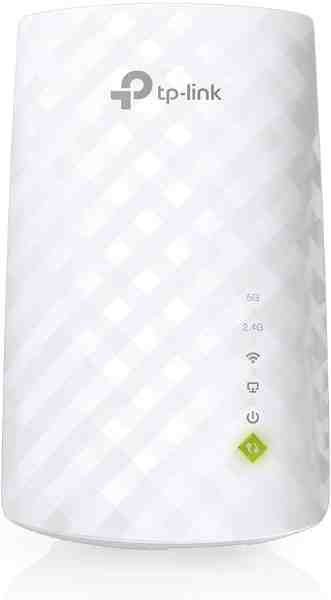
Wi-Fi Range Extender
The most common fix for streaming boxes that are too far from the router — extends your signal without a full mesh system.
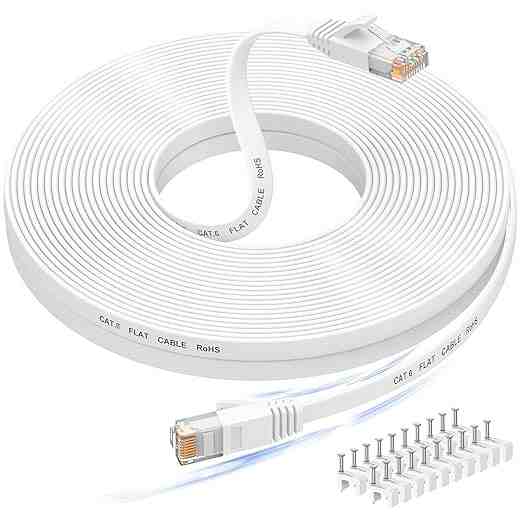
Long Ethernet Cable
A wired connection eliminates Wi-Fi buffering entirely if you can run a cable to your streaming device.
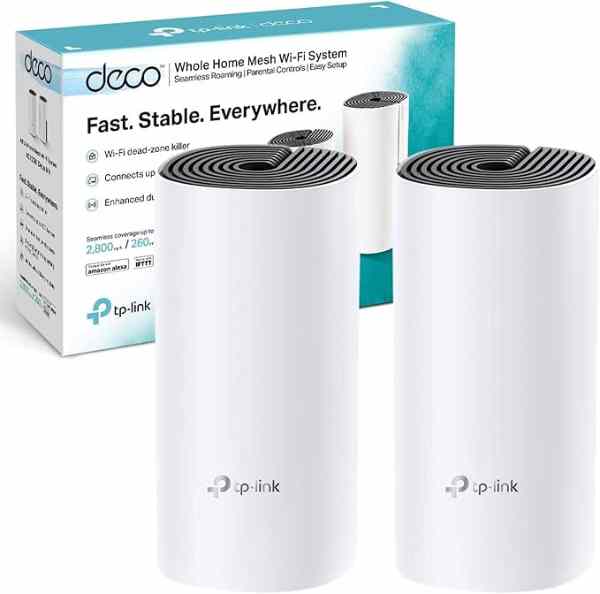
Mesh Wi-Fi System (2-pack)
For persistent buffering across multiple rooms, a mesh system solves it more thoroughly than a single extender.
As an Amazon Associate we earn from qualifying purchases. We may earn a small commission at no extra cost to you. Learn more.