Disclosure: As an Amazon Associate we earn from qualifying purchases. This post contains affiliate links — if you buy through one, we may earn a small commission at no extra cost to you. Our product picks focus on items we can link to, so we may not cover every option on the market. See our About page for how we choose them.
Why Virgin Media Play Login Problems Happen
If you’re staring at an error message instead of your favourite programme, you’re not alone. Login and authentication issues with the Virgin Media Play app are among the most common complaints we hear from readers, and they usually come down to a handful of predictable causes: outdated app versions, account sync issues, or a shaky home network connection.
The good news is that most of these problems can be sorted at home without needing to contact support, though we’ll cover when that step is genuinely necessary too.
Check the Basics First
Before diving into anything technical, rule out the obvious:
- Make sure you’re entering your correct Virgin Media account credentials, not an old email or a saved password that’s since changed.
- Confirm your Virgin Media account is active and there are no outstanding billing issues, as a suspended account will block app access even if the password is correct.
- Check whether Virgin Media has reported any known outages in your area, as these can affect login servers temporarily.
Common Causes of Sign-In Failures
Outdated App Versions
Streaming apps update frequently, and the Virgin Media Play app is no exception. If you haven’t opened the app in a while, an old version may no longer be compatible with the current login system. Head to your device’s app store and check for pending updates. On smart TVs and streaming boxes like a Fire TV Stick, updates sometimes need to be triggered manually from the device’s settings menu rather than happening automatically.
Cached Data and App Glitches
Apps store temporary data to load faster, but this cache can become corrupted over time and cause login loops or freezing on the sign-in screen. Clearing the app’s cache (usually found under your device’s app settings) or fully uninstalling and reinstalling the app often resolves this instantly.
Network Connectivity Issues
A weak or unstable Wi-Fi connection can interrupt the authentication process, even if the rest of your internet seems fine. If your streaming device sits far from your router, signal strength may be the real culprit rather than anything wrong with your account. A Wi-Fi Range Extender can help boost coverage to a TV in a tricky spot, or if you’d rather eliminate wireless interference entirely, running a Long Ethernet Cable directly to your streaming device tends to give the most reliable connection for login and playback alike.
For homes with multiple dead zones, a Mesh Wi-Fi System is worth considering as a longer-term fix, since it spreads consistent coverage across the house rather than relying on a single router.
Device-Specific Login Issues
Smart TVs and Streaming Boxes
Login problems on devices like Fire TV Stick, Fire TV Cube, Roku, or Chromecast are sometimes tied to the device’s own software rather than the app itself. Restarting the device fully (not just closing the app) clears temporary memory issues that can interfere with sign-in.
Mobile and Tablet Apps
On phones and tablets, check that your device’s operating system is up to date, as very old OS versions may no longer support current app authentication methods. Also confirm you’re signed into the correct app store account region matching your Virgin Media service address, since a mismatched region can occasionally cause the wrong app version to install.
When to Reset Your Password
If credentials seem correct but login still fails, a password reset through Virgin Media’s official website is usually faster than troubleshooting further. This forces a fresh authentication token and often clears up persistent “incorrect password” errors that aren’t actually about the password at all.
Remote and Accessory Issues
Occasionally what looks like a login freeze is actually a lagging or unresponsive remote failing to register button presses properly. Weak batteries are a common hidden cause here, so it’s worth keeping a set of Rechargeable Remote Batteries on hand for streaming devices that rely on a separate remote control.
Still Not Working?
If you’ve worked through all of the above and the app still won’t authenticate, the issue is likely on Virgin Media’s end. Contact their official customer support team directly, as they can check for account-specific flags or server-side issues that aren’t visible or fixable from your end.
Recommended for This Guide
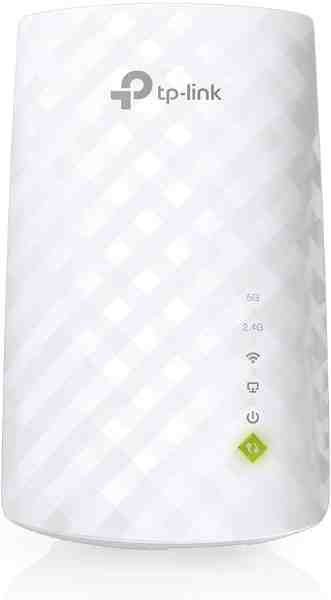
Wi-Fi Range Extender
The most common fix for streaming boxes that are too far from the router — extends your signal without a full mesh system.
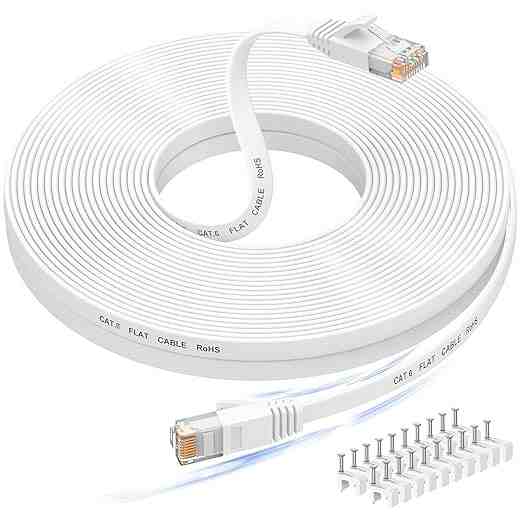
Long Ethernet Cable
A wired connection eliminates Wi-Fi buffering entirely if you can run a cable to your streaming device.
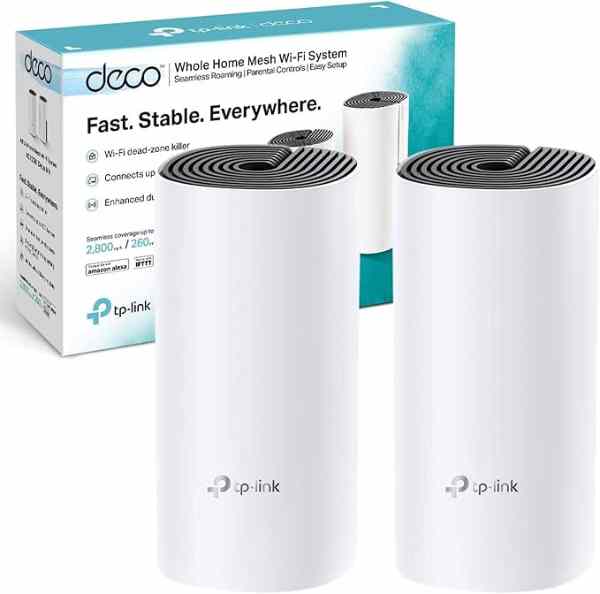
Mesh Wi-Fi System (2-pack)
For persistent buffering across multiple rooms, a mesh system solves it more thoroughly than a single extender.
As an Amazon Associate we earn from qualifying purchases. We may earn a small commission at no extra cost to you. Learn more.