Disclosure: As an Amazon Associate we earn from qualifying purchases. This post contains affiliate links — if you buy through one, we may earn a small commission at no extra cost to you. Our product picks focus on items we can link to, so we may not cover every option on the market. See our About page for how we choose them.
Virgin Media Play Gets a Fresh Look
Virgin Media customers have been getting used to a redesigned Virgin Media Play app in recent months. If you’ve opened it lately and found things in different places, you’re not imagining it — the app has had a proper overhaul, both in how it looks and in what it can do.
For anyone who relies on Virgin Media TV while out and about, or who prefers streaming to flicking through a traditional set-top box guide, here’s what’s changed.
A Cleaner, Simpler Interface
The most obvious update is visual. Virgin Media Play now has a tidier home screen, with content organised into clearer rows and categories rather than a dense grid. The idea seems to be to make it faster to find something to watch, whether that’s a live channel or something from the on-demand library.
Navigation between live TV, on-demand shows, and your recordings (where applicable) has also been simplified. Exact menu labels may differ slightly depending on your device, so don’t be surprised if wording varies a little between the mobile app, tablet version, and smart TV app.
Live and On-Demand VMTV Channels
One of the core features of Virgin Media Play remains access to live Virgin Media TV (VMTV) channels, alongside a large on-demand library. This includes homegrown content as well as programming from the broadcasters and partners Virgin Media works with.
The redesign puts more emphasis on live channels being easy to browse directly within the app, rather than feeling like an afterthought next to the on-demand catalogue. If you’re a cord-cutter-curious viewer who still wants live Irish TV without needing the full set-top box experience, this is a welcome shift.
As always, exactly which channels and shows are available can depend on your Virgin Media package, so it’s worth checking your own subscription details if something seems to be missing.
Restart and Catch-Up Features
Restart and catch-up functionality has been a headline feature of Virgin Media Play for a while, and the new version continues to build on this. In simple terms:
- Restart lets you jump back to the beginning of a live programme that’s already started, rather than missing the opening scenes.
- Catch-up allows you to watch programmes that have already aired, without needing to have scheduled a recording in advance.
These features are especially useful for anyone who’s ever sat down mid-way through a show and wondered what they missed. The redesigned app appears to make these options more visible and easier to trigger with fewer taps, though the precise steps may vary slightly by device — if in doubt, look for an on-screen prompt when you select a programme that’s currently airing or recently finished.
Available Across Devices
Virgin Media Play is designed to work across a range of devices, including:
- Smartphones and tablets (Android and iOS)
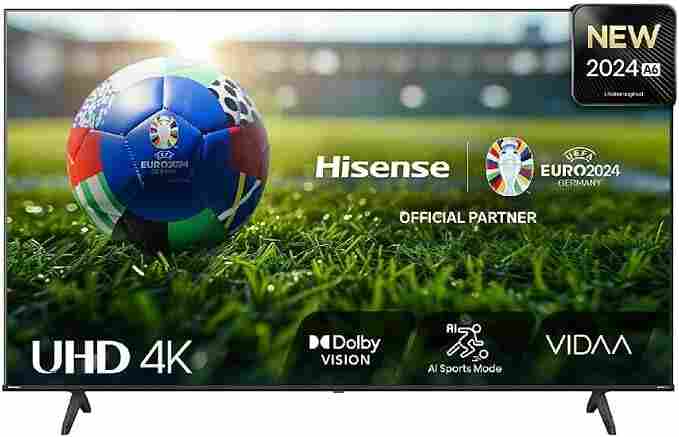
- Smart TVs, for viewers who want the app built directly into their television rather than switching inputs to a set-top box
- Web browsers, for those who prefer streaming on a laptop or desktop
This multi-device approach is aimed at households where different family members want to watch different things on different screens — or for anyone who wants to keep up with a show while travelling within Ireland.
It’s worth noting that smart TV app support can vary by manufacturer and model, so it’s a good idea to check compatibility with your specific TV before assuming the app will be available out of the box.
Do You Need a New Login?
Existing Virgin Media broadband and TV customers should generally be able to sign in with their existing Virgin Media account details. If you run into login issues after the redesign, it may be worth checking for an app update in your device’s app store, as older versions may not work correctly with the new backend.
We’d recommend checking Virgin Media’s official website or contacting their customer support directly for definitive, up-to-date guidance on setup, supported devices, or package-specific channel availability, since these details can change over time.
The Bottom Line
The redesigned Virgin Media Play app brings a cleaner interface, more prominent live VMTV channels, and streamlined restart and catch-up tools, all while extending support across phones, tablets, smart TVs, and browsers. For existing Virgin Media customers, it’s a straightforward way to bring live and on-demand Irish TV to more screens around the house — and beyond it.
Related guides: Virgin Media Play vs RTÉ Player: Free Irish Streaming Compared · How to Set Up Virgin Media Play on a Samsung Smart TV
Recommended for This Guide
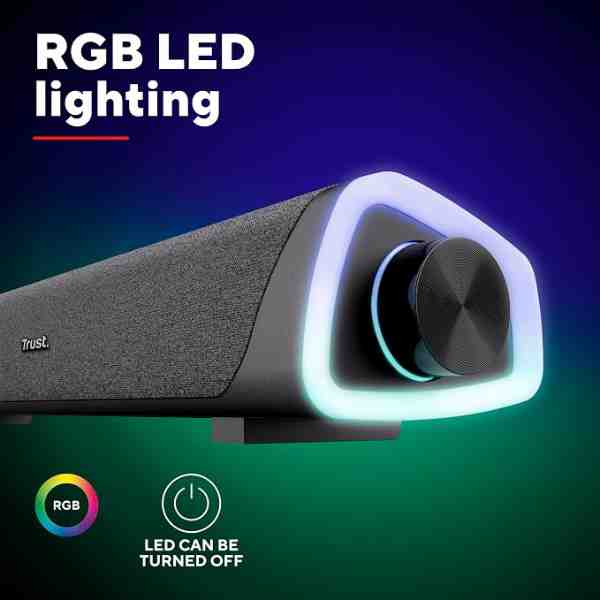
Compact Soundbar
TV speakers rarely do streaming audio justice — a simple soundbar is the most-requested upgrade.
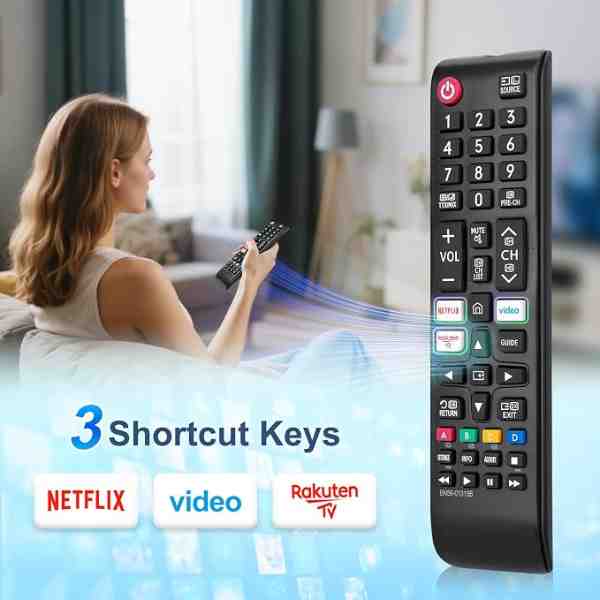
Universal Remote Control
Cuts down on juggling three remotes to switch between your TV, streaming box, and soundbar.
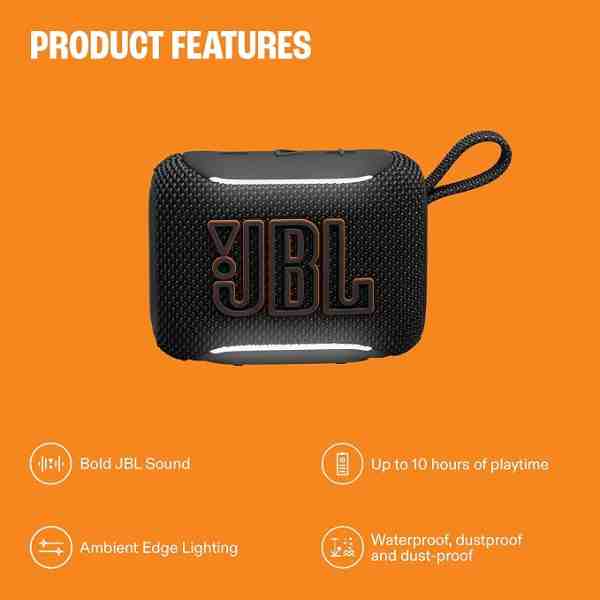
Portable Bluetooth Speaker
A flexible alternative to a fixed soundbar if you want to move audio between rooms or take it outside for a match.
As an Amazon Associate we earn from qualifying purchases. We may earn a small commission at no extra cost to you. Learn more.