Disclosure: As an Amazon Associate we earn from qualifying purchases. This post contains affiliate links — if you buy through one, we may earn a small commission at no extra cost to you. Our product picks focus on items we can link to, so we may not cover every option on the market. See our About page for how we choose them.
Quick Facts
- 5-step setup, takes under 5 minutes
- No subscription needed to browse RTÉ Player's free content
- Works the same way on most Fire TV Stick generations
What you need
- A Fire TV Stick connected to your TV and Wi-Fi — don’t have one yet? Check price
- An Amazon account signed in on the device
Steps
- From the Fire TV home screen, open the Find menu and select Search.
- Type RTÉ Player and select it from the results.
- Select Get or Download to install the app.
- Once installed, open RTÉ Player and select Sign In (or continue as a guest, depending on current app requirements).
- Browse live TV or catch-up content directly from the home screen.
(Menu names can change slightly between Fire TV software updates.)
Troubleshooting
- App won’t install: check your Fire TV Stick has enough storage and is updated to the latest software.
- Playback issues: confirm your broadband speed meets RTÉ Player’s minimum requirement, and restart the device.
Helpful Extras
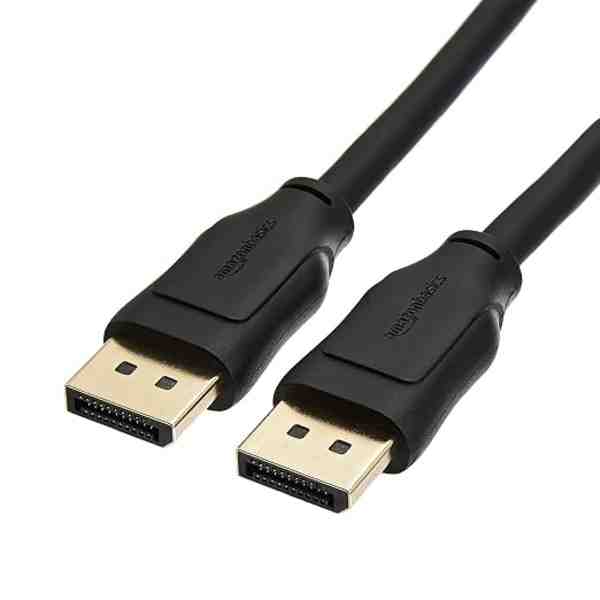
High-Speed HDMI 2.1 Cable
Worth having a spare on hand — older bundled cables often bottleneck 4K/HDR playback.
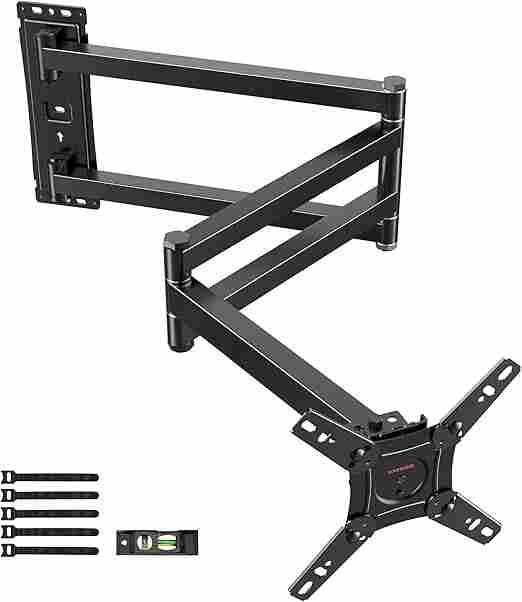
Adjustable TV Wall Mount
Tilting/swivel mounts make it much easier to angle the screen for glare-free streaming, especially in bright rooms.
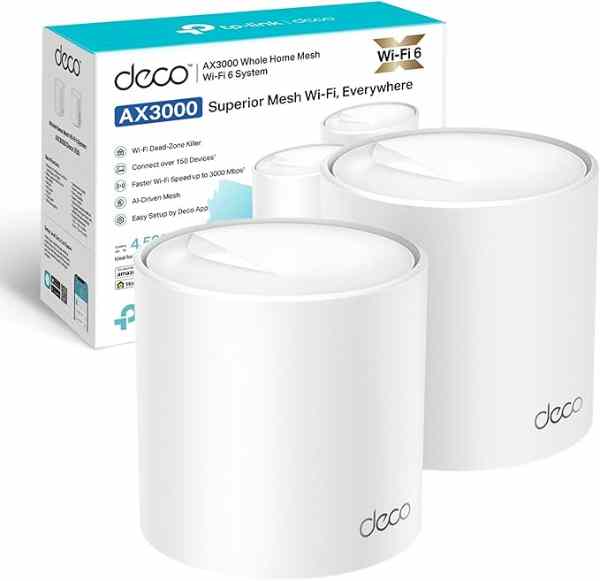
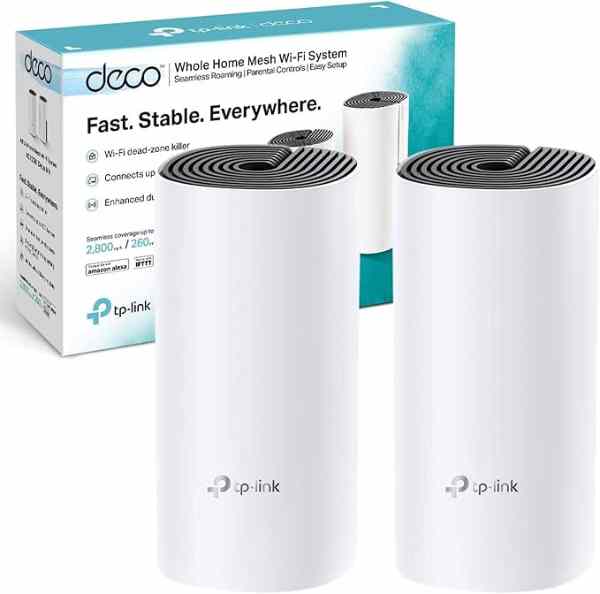
Mesh Wi-Fi System (2-pack)
A bigger upgrade than a single extender, but the most reliable fix for houses where streaming boxes are far from the router.
As an Amazon Associate we earn from qualifying purchases. We may earn a small commission at no extra cost to you. Learn more.


See more in Streaming Services and Devices.