Disclosure: As an Amazon Associate we earn from qualifying purchases. This post contains affiliate links — if you buy through one, we may earn a small commission at no extra cost to you. Our product picks focus on items we can link to, so we may not cover every option on the market. See our About page for how we choose them.
Getting NOW Onto Your Smart TV
NOW has become one of the most popular ways for Irish viewers to catch Sky-owned content, entertainment, and sport without signing up to a full satellite package. If you’ve got a Samsung or LG smart TV sitting in your living room, there’s a good chance you can install the NOW app directly, no extra streaming stick required. Here’s how to get it up and running.
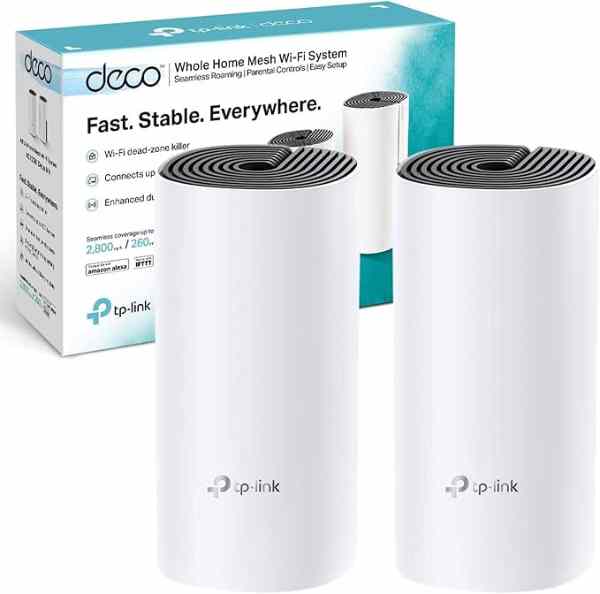
Before you start, it’s worth checking that your TV is connected to a stable broadband connection. NOW relies heavily on streaming quality, and a shaky Wi-Fi signal is the most common reason people run into buffering issues. If your smart TV lives in a room far from your router, upgrading to a Mesh Wi-Fi System (2-pack) can make a noticeable difference, especially in older homes with thick walls.
Setting Up NOW on a Samsung Smart TV
Samsung TVs running Tizen OS (most models from the last several years) should have NOW available directly through the Samsung Smart Hub.
- Press the Home button on your Samsung remote.
- Navigate to the Apps section, usually found along the top or side menu.
- Use the search function within the Apps store and type “NOW”.
- Select the official NOW app from the results and choose Install.
- Once installed, open the app from your Apps list or Home screen.
- Sign in using your existing NOW account details, or select the option to create a new account if you’re a first-time user.
If NOW doesn’t appear in your search results, your TV’s software may need updating. Samsung TV software updates are typically found under Settings > Support > Software Update. It’s worth noting that very old Samsung models (roughly pre-2016) may not support the NOW app at all, in which case a separate streaming device would be the more reliable option.
Setting Up NOW on an LG Smart TV
LG smart TVs use the webOS platform, and the process is broadly similar.
- Press the Home button on your LG remote to bring up the launcher bar.
- Scroll to find the LG Content Store (sometimes labelled simply as the app store icon).
- Search for “NOW” using the on-screen search tool.
- Select the app and choose Install.
- Return to the Home screen, open NOW, and sign in with your account credentials.
As with Samsung, older LG models running earlier versions of webOS may have limited or no access to the NOW app. If you’re unsure which webOS version your TV has, this information is usually listed under Settings > General > About This TV.
What If NOW Isn’t Available on Your TV?
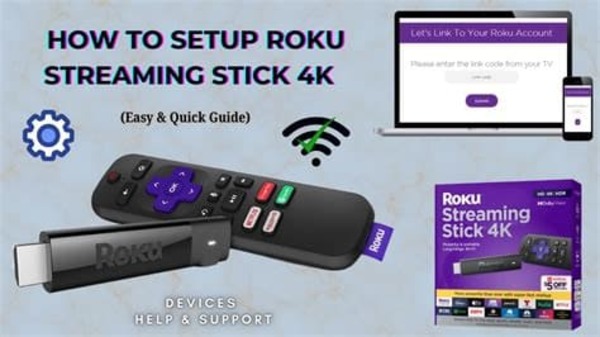
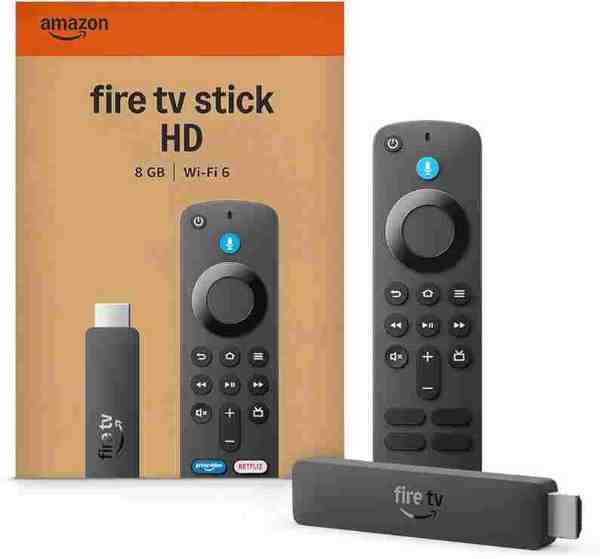
Not every smart TV, particularly budget or older models, supports every streaming app. If NOW simply won’t install or run properly on your set, plugging in a dedicated streaming device is a straightforward workaround. A Fire TV Stick or Fire TV Cube generally offers reliable app support and receives regular updates, while a Roku device or Chromecast are also worth considering depending on your existing setup and remote preferences. These devices connect via HDMI and essentially give an older TV a new lease of life for streaming purposes.
If you’re connecting any external streaming device, it’s worth using a decent High-Speed HDMI 2.1 Cable to avoid any picture dropouts, particularly if you’re watching in 4K where supported.
A Few Setup Tips
Once NOW is installed and you’re signed in, take a moment to check your video quality settings within the app itself, these are sometimes found under an account or playback settings menu, though exact wording can vary depending on app updates. If you’re mounting or repositioning your TV to get a better view for movie nights, an Adjustable TV Wall Mount can help you angle the screen properly and tidy away cables at the same time.
Finally, remember that NOW operates on a membership basis covering different content passes (such as entertainment, sport, or cinema), so make sure you’ve selected and are paying for the correct pass for the content you actually want to watch. Pricing and available passes change from time to time, so it’s best to check the official NOW website or app directly for current details rather than relying on older information.
Related guides: How to Set Up Disney+ on an LG Smart TV · How to Set Up Virgin Media Play on a Samsung Smart TV
Recommended for This Guide
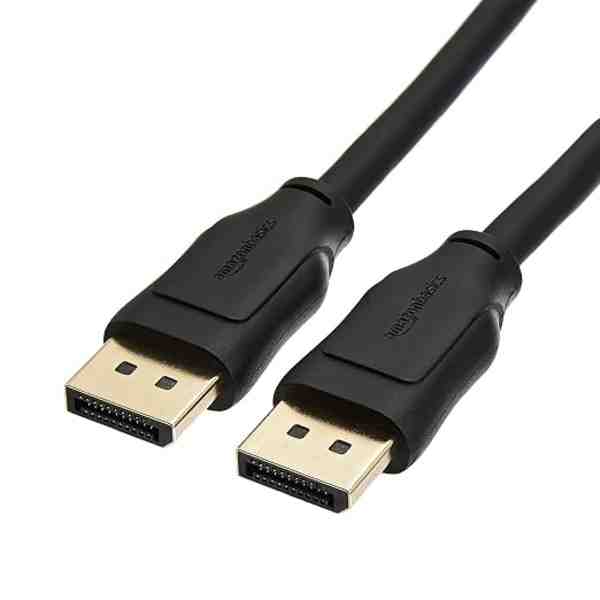
High-Speed HDMI 2.1 Cable
Worth having a spare on hand — older bundled cables often bottleneck 4K/HDR playback.
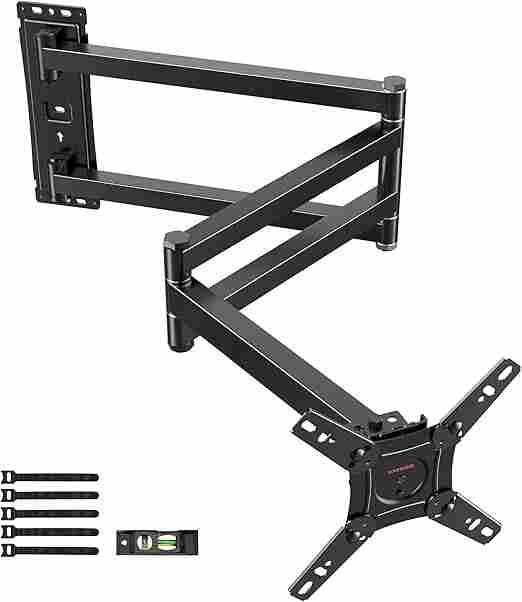
Adjustable TV Wall Mount
Tilting/swivel mounts make it much easier to angle the screen for glare-free streaming, especially in bright rooms.
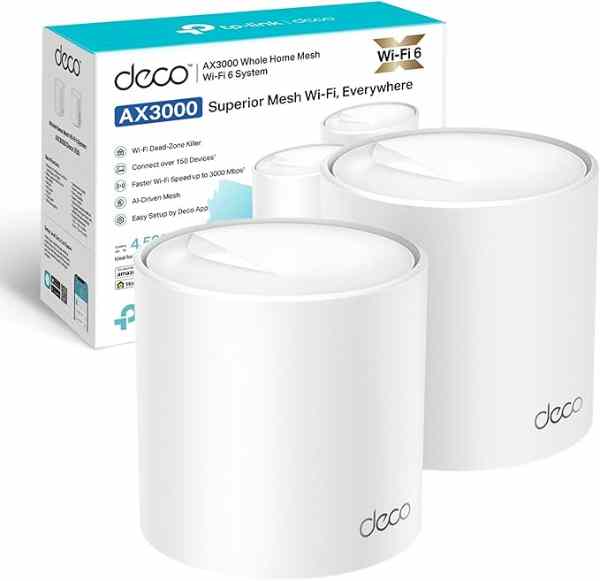
Mesh Wi-Fi System (2-pack)
A bigger upgrade than a single extender, but the most reliable fix for houses where streaming boxes are far from the router.
As an Amazon Associate we earn from qualifying purchases. We may earn a small commission at no extra cost to you. Learn more.