Disclosure: As an Amazon Associate we earn from qualifying purchases. This post contains affiliate links — if you buy through one, we may earn a small commission at no extra cost to you. Our product picks focus on items we can link to, so we may not cover every option on the market. See our About page for how we choose them.
5 Netflix Features Irish Viewers Often Miss
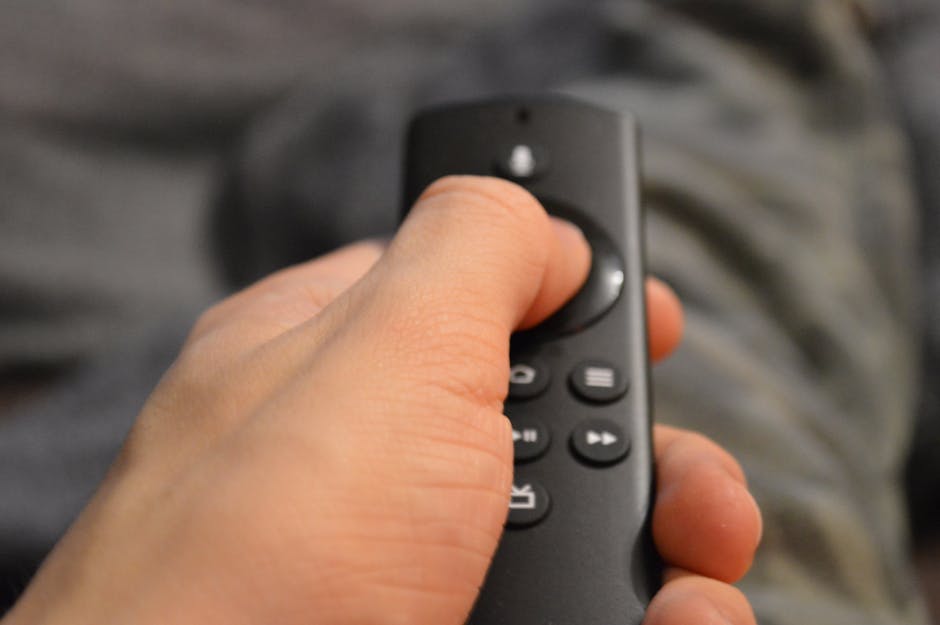
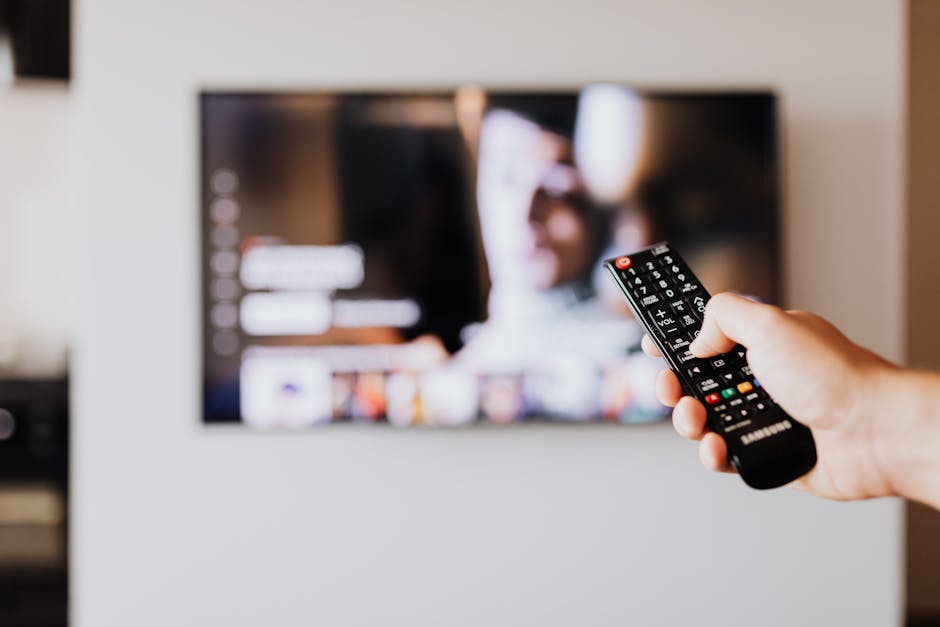
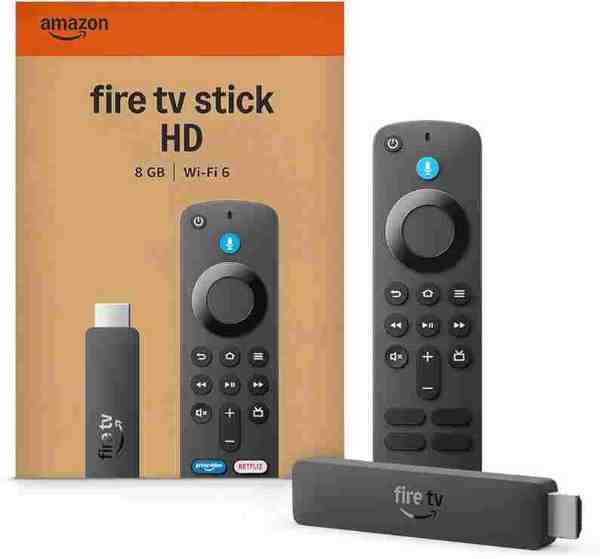
Most of us have had a Netflix account for years at this point, yet plenty of useful tools hiding in the app go unnoticed. Whether you’re watching on a smart TV, a laptop, or a Fire TV Stick plugged into the back of the telly, these features are worth a look.
1. Profile Transfer
If you’ve ever shared a household account with a sibling or housemate who has since moved out, Netflix now allows you to transfer your own viewing profile — including your history, recommendations, and My List — into a brand new account. This is handled entirely within the app under account or profile settings, and it means you don’t lose years of curated suggestions just because you’re setting up your own subscription. The exact wording of the menu option has changed a few times, so if you can’t find it immediately, it’s worth checking Netflix’s own help pages for the current steps.
2. Smarter Download Management
Downloading shows for offline viewing is old news, but many people don’t realise you can set a default download quality (standard or higher) to save mobile data, or tell the app to automatically download the next episode in a series once you finish the current one. These settings usually live under the “App Settings” or “Downloads” section of your account menu on mobile. Handy for long train journeys around the country where signal isn’t always reliable.
3. Subtitle and Audio Customisation
Beyond simply turning subtitles on or off, Netflix lets you adjust subtitle text size, font, and background opacity from your account’s playback settings on the website. This is particularly useful on larger TVs where default subtitles can feel oddly small or hard to read against a bright background. It’s also worth checking the audio description option if you or someone in the household benefits from narrated descriptions of on-screen action.
4. Skip Recap and Skip Intro Controls
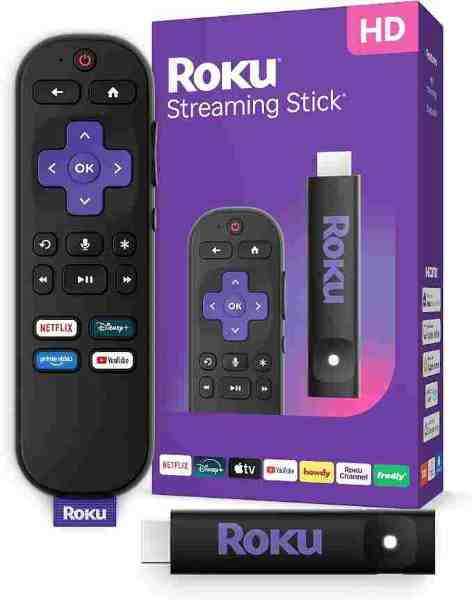
The “Skip Intro” button is well known at this stage, but fewer people know you can also skip the “Previously On” recap segments on many series, and on some shows there’s an option to auto-skip intros permanently rather than tapping every episode. Look for this under playback settings on supported devices. If you’re watching through a Roku or similar streaming device, these buttons should appear directly in the player, but placement can vary slightly by app version.
5. Household and Location Settings
Netflix uses a “Netflix Household” system tied to your home network to determine which devices are considered part of your primary residence. If you’re travelling within Ireland or have recently moved, you may occasionally see a prompt asking you to verify your household. This is a legitimate account security measure rather than a fault — updating your address or confirming your primary network through the app or the Netflix website usually resolves it. If a show or film appears to be missing entirely, it’s more often a licensing change than a technical fault, and Netflix’s own support pages will confirm what’s currently available in Ireland.
Getting the Most From Your Setup
None of these features require anything more than exploring the settings menus you already have access to. That said, if you’re finding dialogue hard to hear or subtitles awkward to read from the couch, pairing your TV with a decent soundbar can make a bigger difference than most people expect, especially in older Irish homes where TV speakers tend to be an afterthought.
If your household juggles a games console, a streaming stick, and the TV’s own inputs, a universal remote can also cut down on the usual scramble for three different remotes just to watch one episode in peace.
Small adjustments like these won’t change what’s available to stream, but they can make the experience considerably smoother — and most of them take less than a minute to set up once you know where to look.
Related guides: Netflix vs Prime Video: Which Do Irish Viewers Actually Use Most? · 5 Free Irish Streaming Apps Worth Knowing
Recommended for This Guide
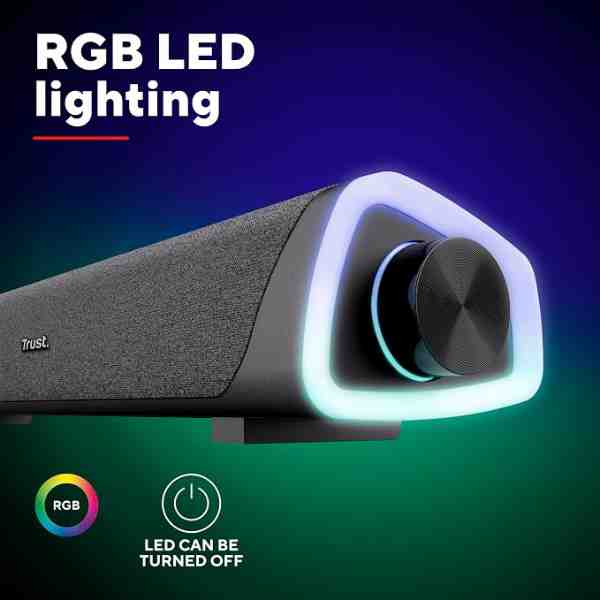
Compact Soundbar
TV speakers rarely do streaming audio justice — a simple soundbar is the most-requested upgrade.
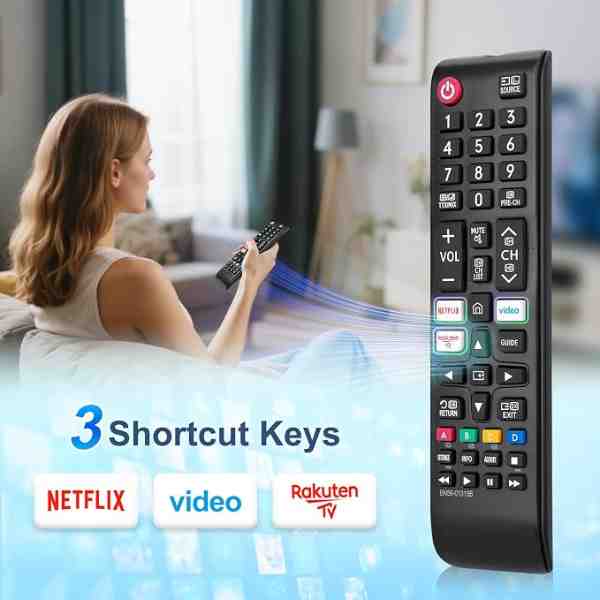
Universal Remote Control
Cuts down on juggling three remotes to switch between your TV, streaming box, and soundbar.
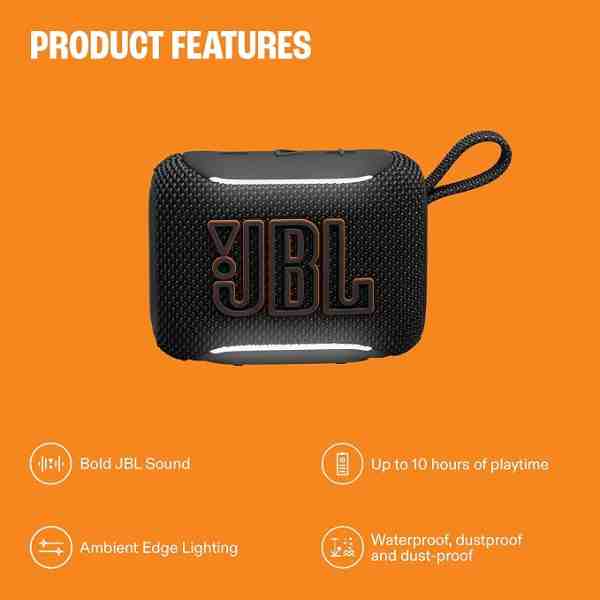
Portable Bluetooth Speaker
A flexible alternative to a fixed soundbar if you want to move audio between rooms or take it outside for a match.
As an Amazon Associate we earn from qualifying purchases. We may earn a small commission at no extra cost to you. Learn more.